
FUNtasia Audio symbol

FUNtasia Audio

Dear Alchemist,
Your tools are ready.

The moment you hold a FUNtasia instrument, you become an alchemist. Begin with an instrument shaped by FUNtasia, then use its controls to make it your own.

FUNtasia is a world of imagined audio instruments, brought to life as tools for real creative work. Every plugin, application, Rack, preset, piece of music, moving image, and page belongs to that same world.

Products

More choices for the Alchemist.

Focused instruments with clear purposes — and meaningful choices for shaping how they behave.

FUN OTT and Nyan OTT are inspired by the 3-band upward and downward compression workflow of Ableton Multiband Dynamics and Xfer OTT. FUNtasia approaches that familiar idea as an instrument for Alchemists: begin with a recognizable workflow, then choose how the process behaves and make it your own.

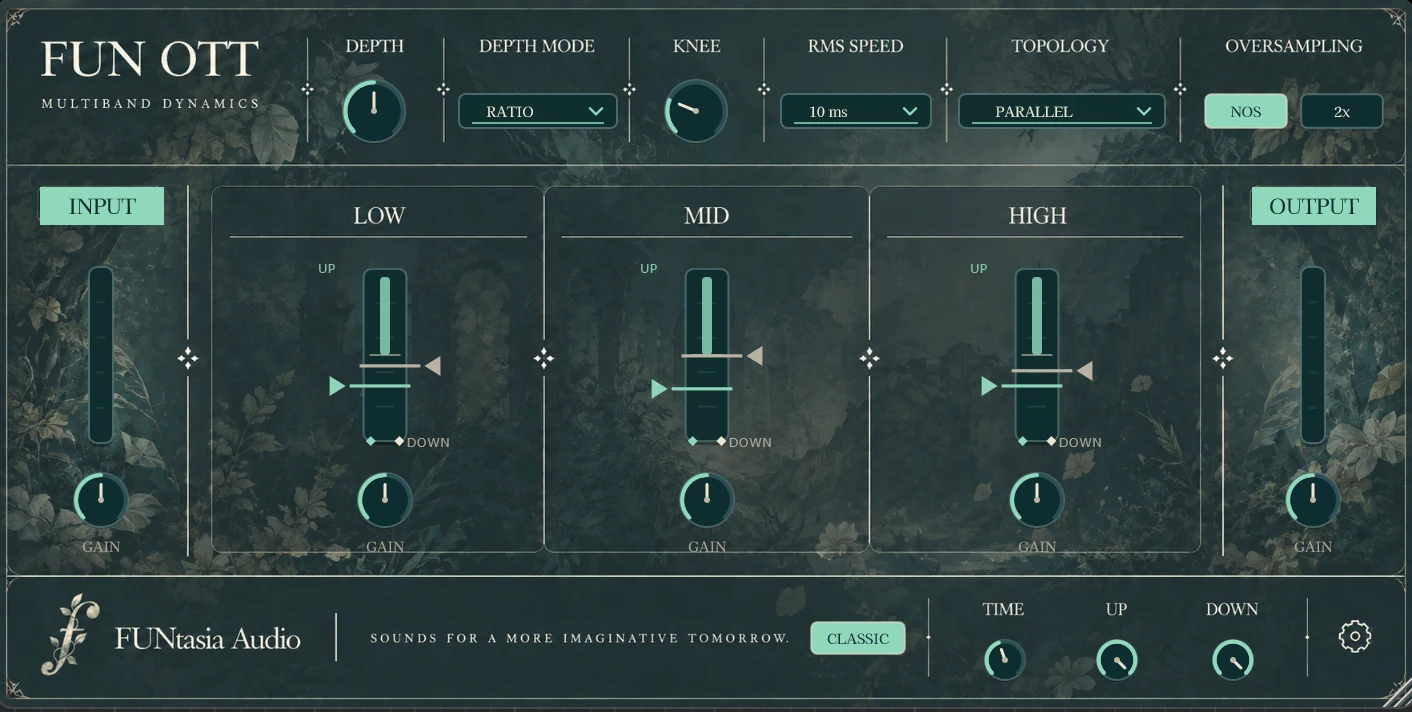
FUN OTT plugin interface

Multiband Dynamics

FUN OTT

A focused 3-band upward and downward compression plugin designed for fast, intuitive dynamics shaping.

Built for Alchemists who want more ways to shape the process, FUN OTT expands the familiar workflow with selectable Depth behavior, Knee, RMS Speed, processing Topology, Oversampling, and independent band shaping.

3-Band Upward & Downward CompressionDepth ModesAdjustable KneeRMS SpeedSerial / Parallel TopologyNOS / 2× OversamplingIndependent Band GainInput / Output GainGUI Scaling
FREE · WINDOWS 10/11 · 64-BIT VST3 · v1.0.0

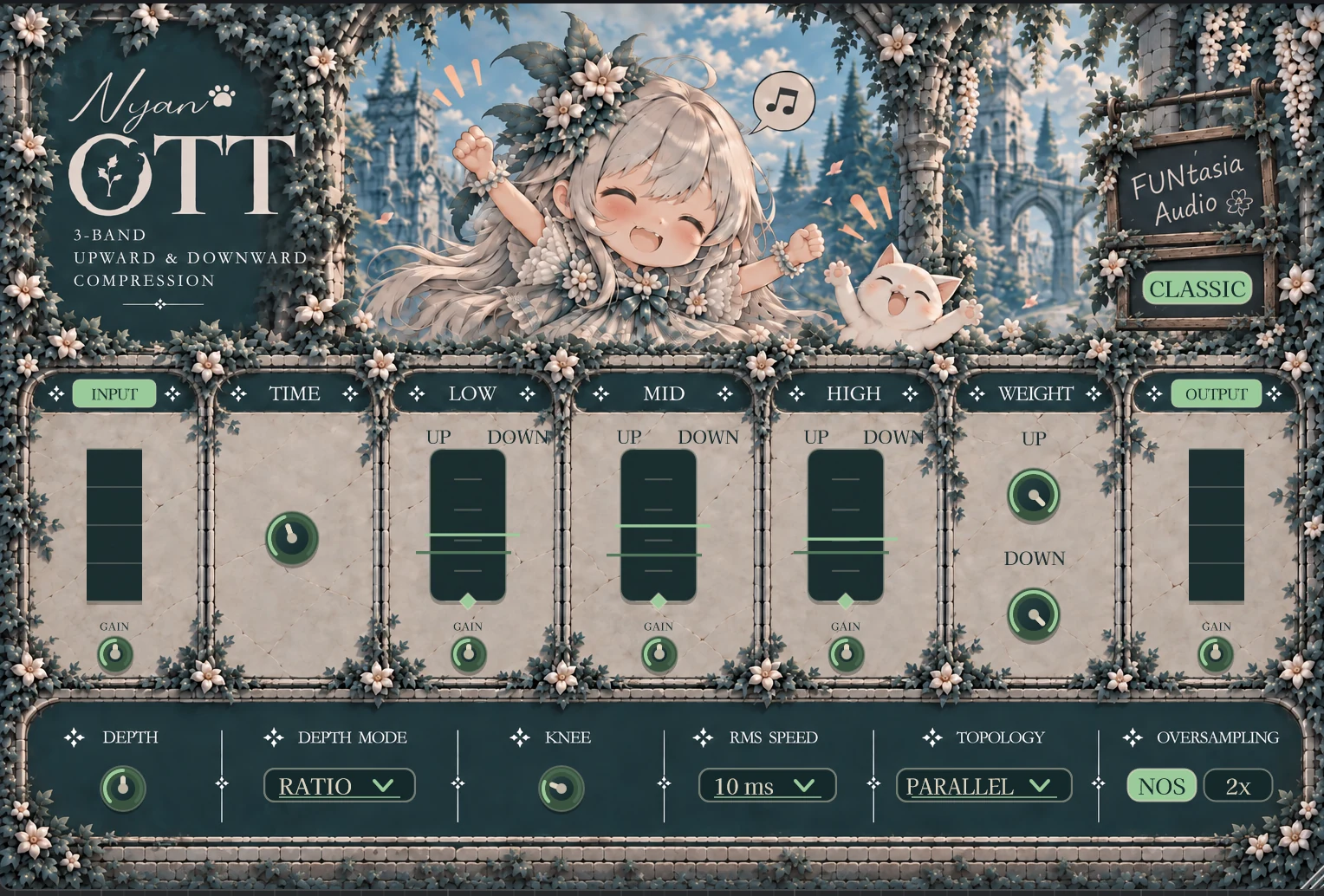
Nyan OTT plugin interface

Multiband Dynamics

Nyan OTT

A playful take on 3-band upward and downward compression, presented through a brighter corner of the FUNtasia world.

The same Alchemist-focused idea lives here: a familiar multiband dynamics workflow with meaningful choices for Depth behavior, Knee, RMS Speed, Topology, Oversampling, and independent band shaping.

3-Band Upward & Downward CompressionDepth ModesAdjustable KneeRMS SpeedSerial / Parallel TopologyNOS / 2× OversamplingIndependent Band GainInput / Output GainGUI Scaling

FREE · WINDOWS 10/11 · 64-BIT VST3 · v1.0.0

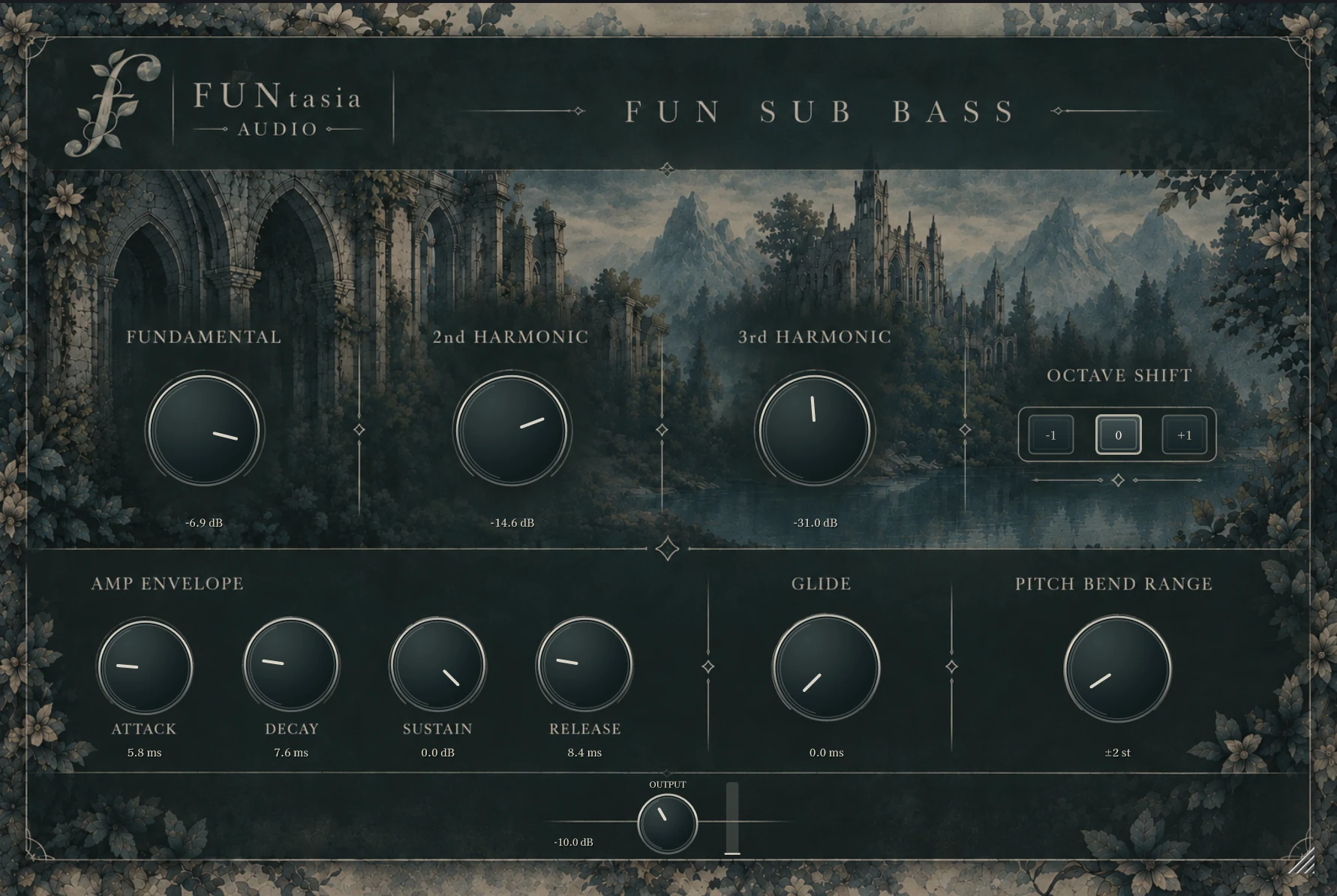
FUN Sub Bass synthesizer interface

Sub Bass Synthesizer

FUN Sub Bass

Three sine waves. One powerful foundation.

Blend the fundamental, second harmonic, and third harmonic with three large controls. A simple recipe for crafting your own sub bass.

Fundamental2nd Harmonic3rd HarmonicMonophonicOctave ShiftAmp EnvelopeGlidePitch Bend RangeGUI Scaling

FREE · WINDOWS 10/11 · 64-BIT VST3 · v1.0.0

Applications

Standalone tools from the FUNtasia world.

Focused desktop applications for listening and audio workflows — separate from the plugin collection, but built with the same design philosophy.

FUNtasia Player application icon

Standalone Audio Player

FUNtasia Player

Playback, and nothing unnecessary.

A minimal standalone audio player for direct listening. Open an audio file from Windows or drag it into the player, then control playback, repeat, position, and volume in a focused FUNtasia interface.

WAV / FLAC / MP3 / AIFFPlay / Pause / StopRepeatSeekVolumeDrag & DropWindows File AssociationTitle / Artist MetadataCentered Artwork Display

Version 1.1.0 adds centered artwork display for supported embedded cover images, while keeping the playback path simple: Audio File → Decode → Volume → Audio Output.

No EQ, normalization, limiter, or saturation is added by the player.

FREE · WINDOWS x64 · STANDALONE APPLICATION · v1.1.0

Nyan Studio

Standalone Recording Studio

Nyan Studio

A simple multitrack recording studio for Windows.

Load a backing track, record your vocals, make simple timeline edits, and export your song in a focused recording environment.

Up to 8 Vocal TracksTimeline EditingMetronome1-Bar Count-InSession Save / OpenWAV / FLAC / AIFF Export

FREE · WINDOWS · STANDALONE APPLICATION · v1.1.1

Nyan Player application icon

Standalone Audio Player

Nyan Player

A small player that stays in the Nyan Studio world.

Nyan Player is a Nyan Studio-themed GUI edition of FUNtasia Player. After recording in Nyan Studio and receiving a vocal mix or finished track, open it in Nyan Player for a focused listen in the same visual language.

MP3 / WAV / FLACPlay / Pause / StopRepeatSeekVolumeDrag & DropWindows File AssociationTitle / Artist MetadataArtwork Display

Playback stays simple and direct. Nyan Player does not add EQ, normalization, limiting, or saturation to the signal.

FREE · WINDOWS · STANDALONE APPLICATION · v1.0.0

The Open Gate

FUNtasia is free to enter.

FUN OTT, Nyan OTT, FUN Sub Bass, FUNtasia Player, Nyan Studio, and Nyan Player are free tools from the same FUNtasia world. Their sound and build quality are not reduced for the free tier; each tool simply has a focused scope.

Download a tool, enter the Guild, and begin shaping your workflow your way.

EXPLORE FREE PLUGINS EXPLORE APPLICATIONS

Design Principles

Designed with intention.

01

Learn from analog.
Design for digital.

We learn from useful sonic behavior and design instruments for the digital environment.

02

Only what the sound needs.

Every process has a musical or functional reason to be there.

03

Meaningful choices stay yours.

Each instrument keeps the decisions that matter close at hand, so you can shape its character around your own sound and workflow.

04

Experience in the defaults.
Freedom in the controls.

Start from settings shaped by real production experience, then take the sound where you want it to go.

Our Story

A world of its own.

FUNtasia Audio began with a question: what happens when an audio tool is designed from the beginning for a digital environment?

We take inspiration from the way sound behaves, then follow the possibilities of digital design. Each instrument starts with a clear idea of what it should do and how it should feel to use.

Plugins, applications, Rack, presets, music, moving images, and the website are all parts of one imagined world. The instruments are made to work in real sessions, giving you a place to begin and room to shape what comes next.

Instead of treating every change in taste or workflow as a reason to replace a tool, we leave carefully chosen parts of an instrument open to you. Enough room to personalize its character, without turning the plugin into a development environment.

We are building another choice: a growing collection of tools with their own character, purpose, and place in the world of FUNtasia.

Manuals

Documentation

English user manuals are included with the FUN OTT, Nyan OTT, FUN Sub Bass, FUNtasia Player, and Nyan Studio downloads. Nyan Studio also includes Japanese documentation.

Support

FUNtasia Alchemist Guild

Join the official FUNtasia Audio community to report bugs, share ideas and feedback, and meet fellow Alchemists.

JOIN DISCORD