1
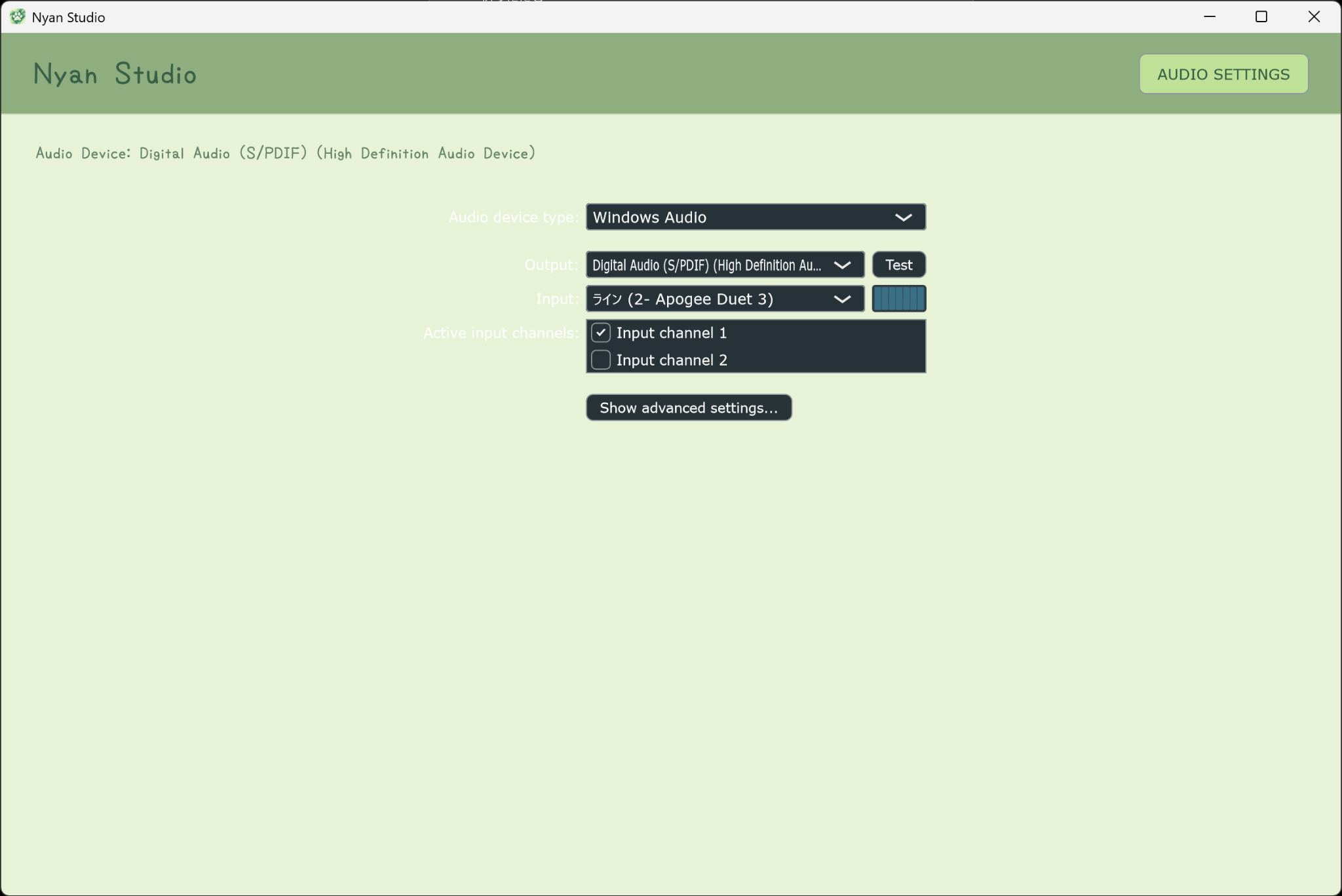
Start with Audio Settings.
Open AUDIO SETTINGS and choose the input and output devices you want to use. ASIO devices can also be selected here.

Standalone Recording Studio
Load a backing track. Record your vocals. Edit regions directly. Define one RANGE for repeat and export. Monitor with vocal reverb. Export a mix or individual vocal stems.
The Studio
Nyan Studio is a lightweight multitrack recorder built around a direct vocal workflow. Bring in a backing track, record vocals, edit regions, define one shared RANGE for Repeat and Export, monitor through a dedicated vocal reverb, then export a stereo mix or individual vocal stems.
Quick Start
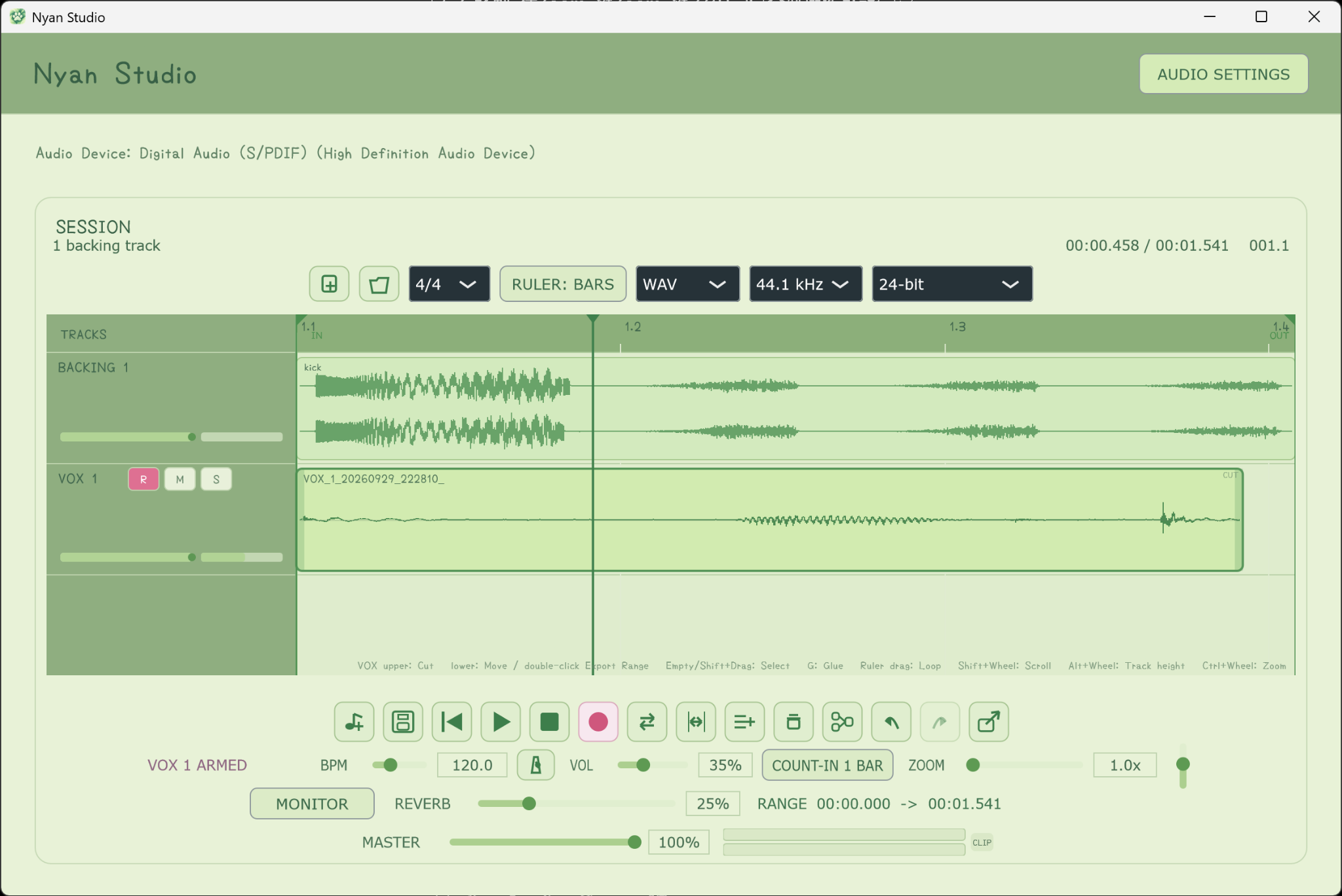
The pink rings show the control or area to use. Nyan Studio is designed so the basic recording flow can be understood directly from the main screen.
Open AUDIO SETTINGS and choose the input and output devices you want to use. ASIO devices can also be selected here.
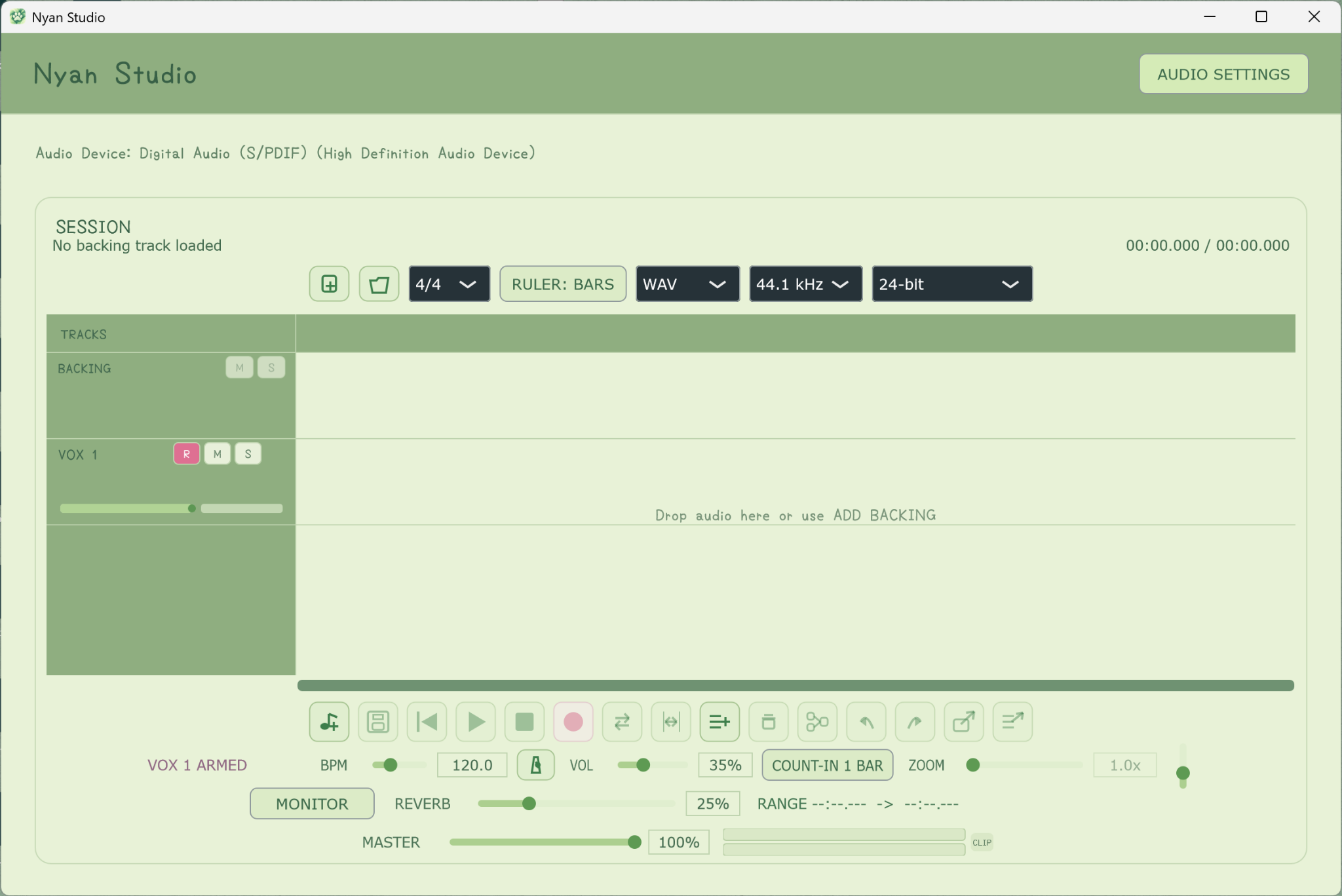
Use the Add Backing button to bring your instrumental into the session. Supported audio can also be dragged onto the timeline.
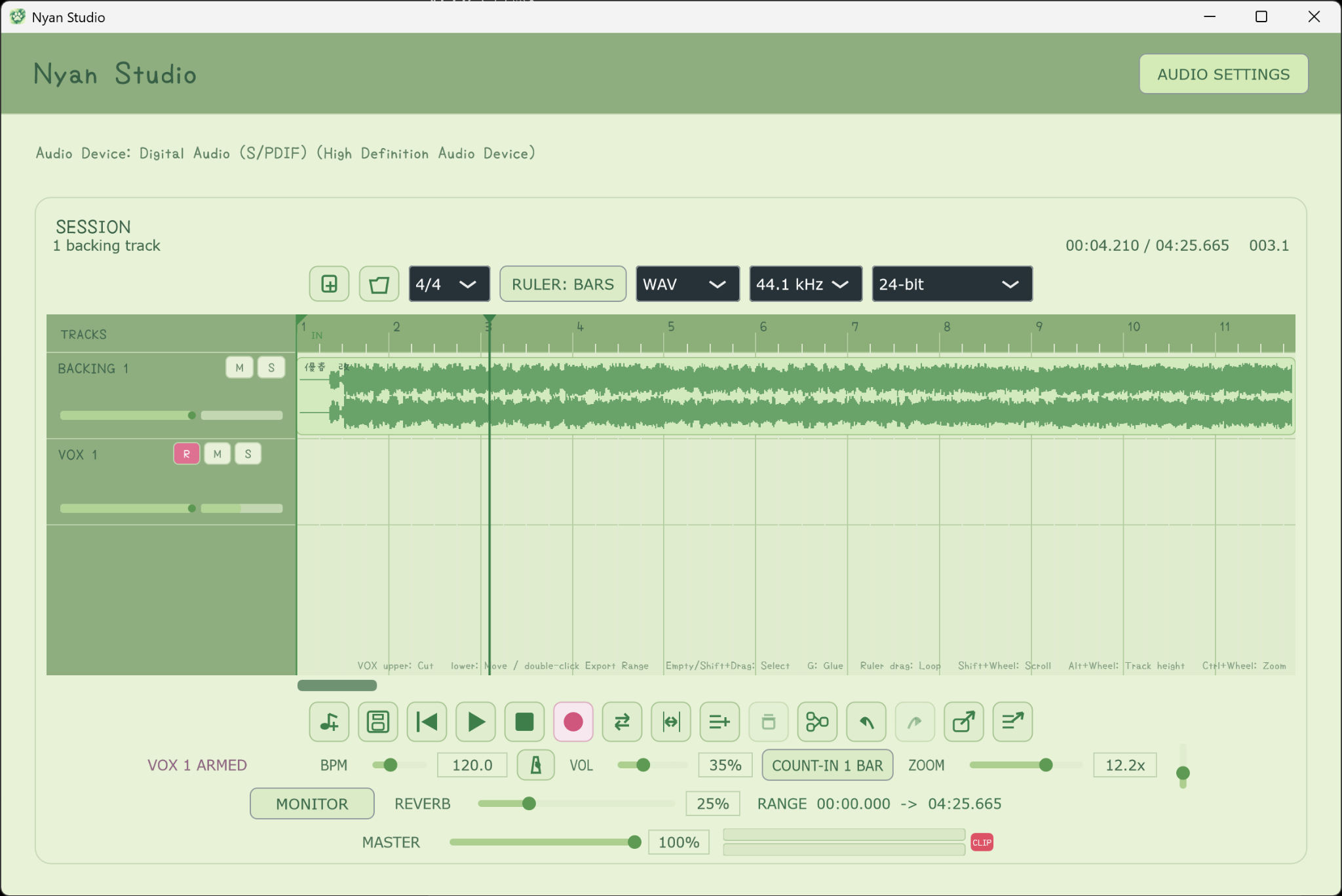
Arm the VOX track, then press the pink Record button. Count-In, Software Monitoring and Monitor Reverb are available when you want them.
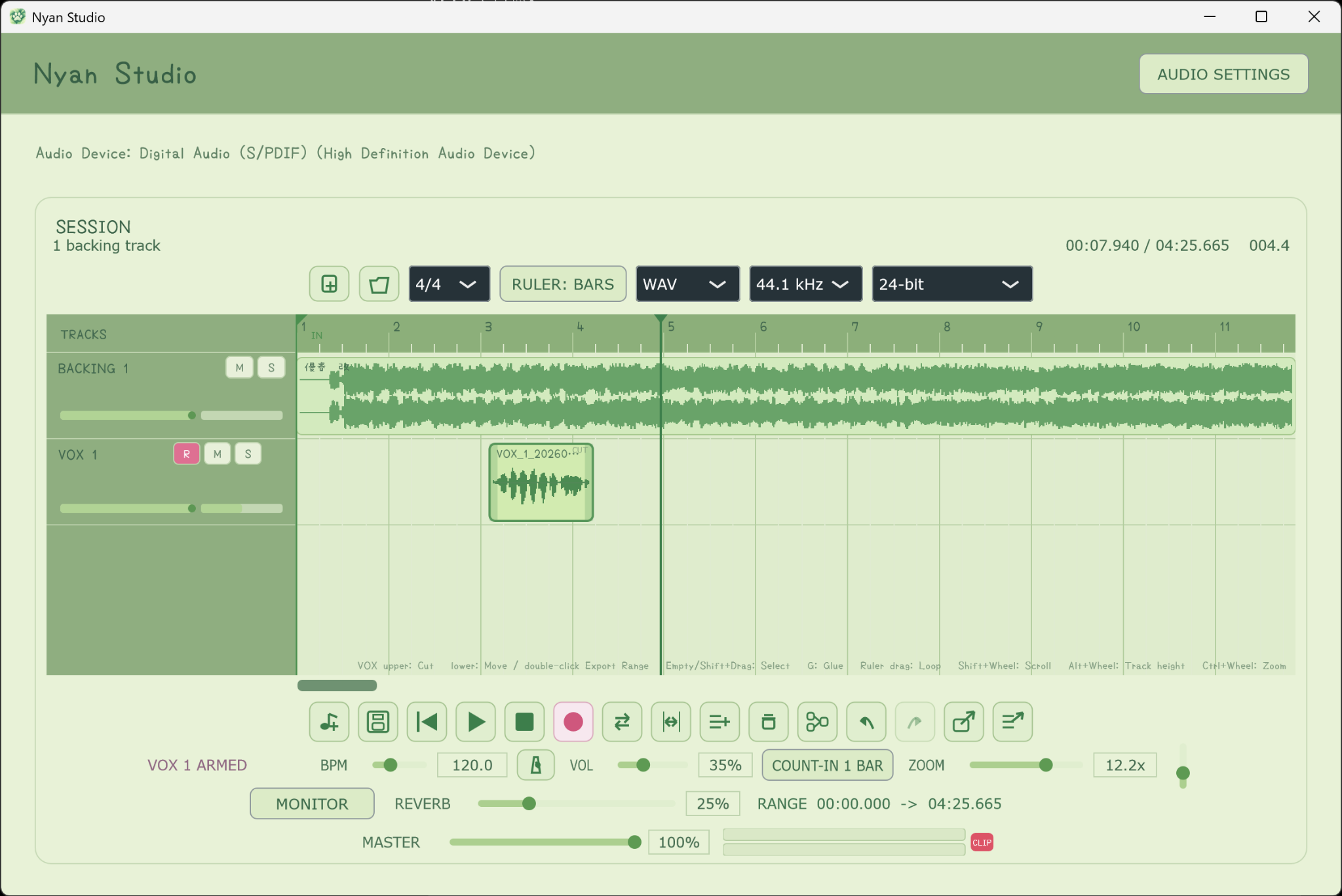
Your take appears as a VOX region. Move it from the lower half, double-click the upper half to split, marquee-select multiple regions, and use Glue when needed.
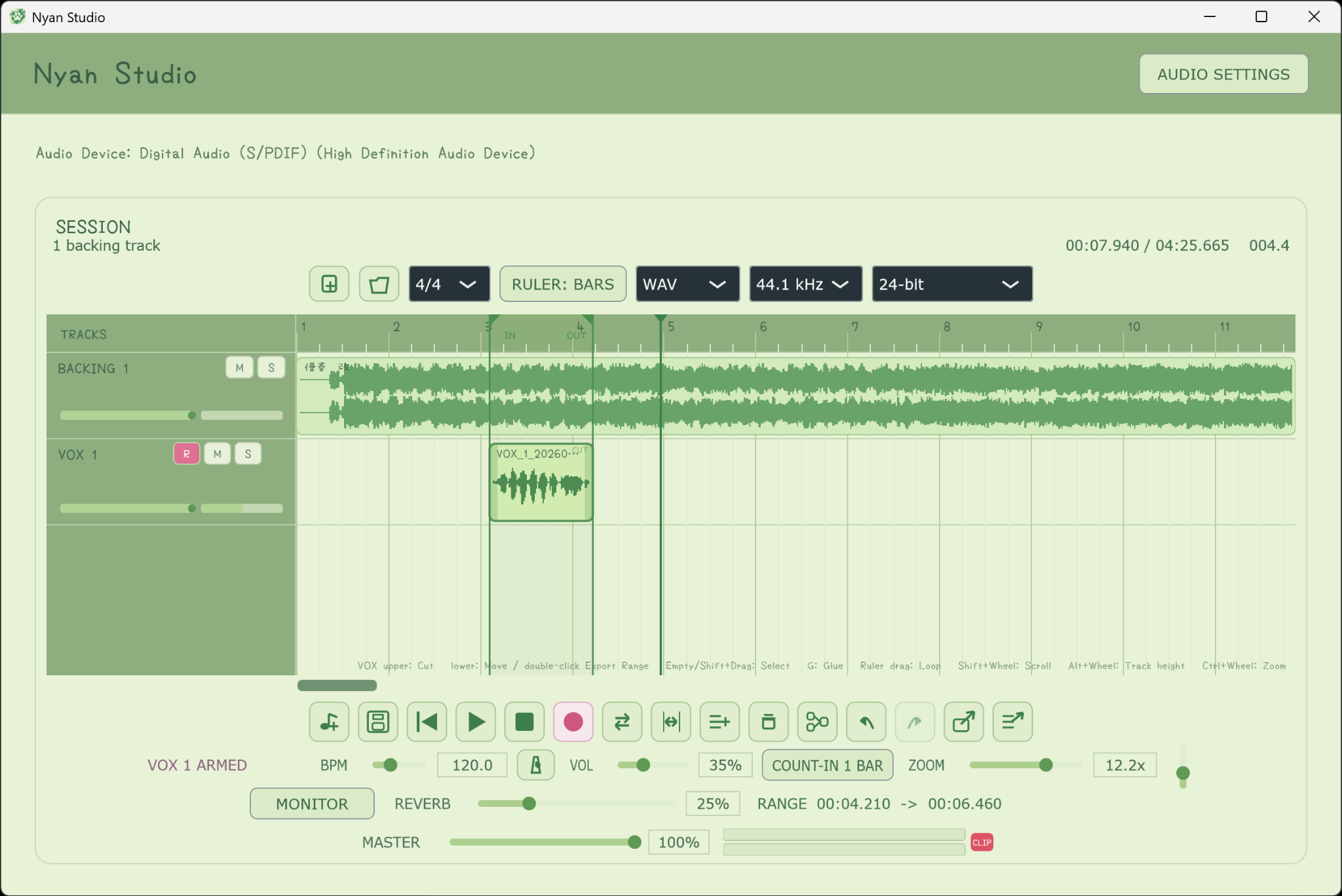
Double-click a region to use that region as the RANGE, or drag across the ruler to create a custom RANGE. Adjust the IN / OUT triangle handles if needed, then press Export.
Features
Select Windows audio devices including ASIO from AUDIO SETTINGS.
Hear your microphone through Nyan Studio while the recorded vocal remains dry.
Add vocal-focused reverb only to the monitor path without printing the effect into the recording.
Move and trim regions, double-click the upper half of a VOX region to split, marquee-select multiple regions, and glue selected regions.
One RANGE controls both Repeat and Export. Create it from the ruler or a region, resize it from the IN / OUT handles, and clear it by double-clicking the ruler.
Mute, solo, rename and reorder tracks, with per-track volume and peak metering.
Use 3/4, 4/4 or 6/8, BPM, metronome, one-bar count-in, horizontal scrolling, and horizontal / track-height zoom.
Export WAV, FLAC or AIFF, or render individual vocal stems using the current RANGE.
Save and reopen work in the .nyanstudio format with a dedicated Windows session-file icon.
Version 1.1.1
Version 1.1.1 unifies Loop and Export into one RANGE, adds draggable IN / OUT range handles and ruler double-click clearing, changes VOX splitting to a deliberate double-click, and fixes multi-region marquee selection and Glue.
A Brighter Corner of FUNtasia
Nyan Studio carries its own young-leaf green palette while remaining part of the FUNtasia Audio world: a small, friendly recording space with a clear purpose.
FAQ
A quick guide to what Nyan Studio does, how monitoring works, and how the shared RANGE works.
Nyan Studio is not intended to be a full production DAW. It is a focused standalone application for vocal recording, straightforward region editing, monitoring, Repeat and Export.
Yes. Nyan Studio is free to download and use on Windows.
Yes. Select your ASIO device from AUDIO SETTINGS.
Yes, if Windows recognizes it as an audio input device. Software Monitoring can be used when you want to hear the microphone through Nyan Studio.
No. Monitor Reverb is applied only to the monitoring path. Your recorded vocal remains dry.
Your audio device may be using hardware Direct Monitoring at the same time as Nyan Studio Software Monitoring. Disable one monitoring path if you hear doubling or a short echo. Headphones are recommended.
Nyan Studio supports up to 8 backing tracks and up to 8 vocal tracks.
RANGE is shared by Repeat and Export. Drag across the ruler to create one, double-click a Backing region or the lower half of a VOX region to match that region, drag the IN / OUT triangle handles to resize it, and double-click the ruler to clear it.
Move from the lower half of a VOX region, double-click the upper half to Split, trim the edges, marquee-select multiple regions, Glue selected regions, Delete, Undo and Redo.
Yes. Vocal Stem Export renders the vocal tracks individually using the current RANGE and audio-format settings.
3/4, 4/4 and 6/8 are available.
WAV, FLAC and AIFF are supported at 44.1 or 48 kHz. WAV can be exported as 16-bit, 24-bit or 32-bit float.
Yes. Sessions are saved in the .nyanstudio format and can be reopened later.
No. Nyan Studio currently focuses on its built-in recording, editing, monitoring and export workflow rather than third-party plugin hosting.

After Recording
When your vocal mix comes back from the mix engineer, Nyan Player gives you a simple place to listen and check the result. It is a Nyan Studio-themed GUI edition of FUNtasia Player, so the handoff from recording to listening stays in the same visual world. Playback remains direct, without added EQ, normalization, limiting, or saturation.
Download
Free for Windows. Open the current GitHub release to download Nyan Studio.